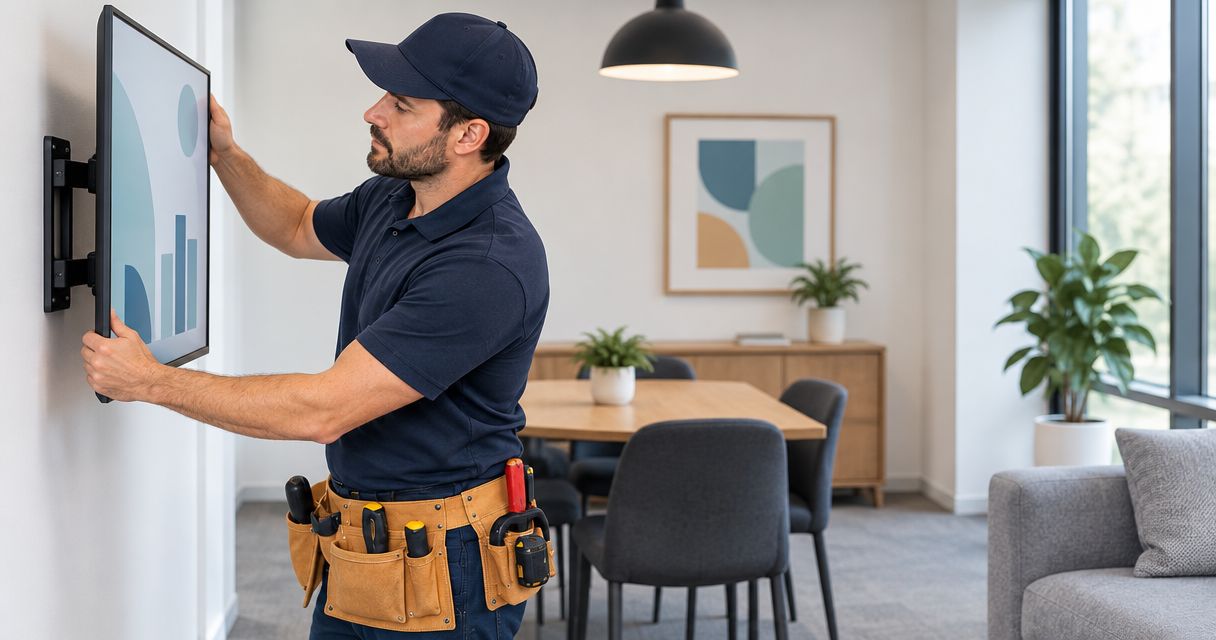
Small business office TV wall mounting is securing a display to a suitable wall with the aim of making meetings, presentations, or reception viewing easier. Unlike a living-room installation, an office setup must account for shared seating, readable content, accessible connections, and permission to alter the space.
- TV wall mounting for small business offices starts with wall suitability, viewing positions, and permission to drill.
- Choose a fixed, tilting, or full-motion mount by viewing needs, not appearance alone.
- Mr. Mitchell's Home Maintenance & Services is best for homeowners booking wall mounting alongside several small repairs.
- For a separate commercial office, confirm the appointment scope before booking.
Why TV wall mounting matters for small business offices
A wall-mounted screen frees the surface beneath it, but a poor location creates another problem: people cannot comfortably read what you display. A presentation screen needs a different position from a reception screen showing information to standing visitors.
For NYC homeowners using a room as a small business office, the mounting job also affects the home. Think about nearby shelving, painted walls, furniture placement, and whether the screen remains useful outside working hours.
In 2026, start with the room and wall—not the bracket. This guide to checking your wall before mounting explains the questions to settle before installation.
For a Brooklyn or Queens home office, building access and alteration rules belong on the same checklist. If your business occupies separate commercial premises, establish the property manager's requirements and confirm that the provider accepts that setting.
How to plan an office TV mounting appointment
1. Define what the screen must do
Start with a free, manual check: arrange the room as you actually use it. Sit at the desk or meeting table, stand where visitors stand, and identify the wall each person can see without twisting.
A screen used for spreadsheets needs readable text from the intended seats. A screen used for video meetings also needs a workable camera position. Do not assume that the most visually centered spot is the most useful one.
Write down the screen's main purpose before buying mounting hardware. If the room has several uses, decide which one takes priority rather than expecting a single position to suit everything equally.
- Meeting display: Mark the seats that need a clear view.
- Video calls: Identify where the camera and microphone will sit.
- Reception display: Check the view from the visitor waiting area.
- Home office: Check whether doors, cabinets, or furniture obstruct the screen.
2. Check permission and describe the wall
Review your building or lease requirements before drilling. Ownership of the TV does not establish permission to alter the wall, particularly in a shared building or rented office.
Photograph the proposed location and describe what you know about the surface. Paint alone does not tell you whether the underlying construction is masonry, plaster, drywall, or another assembly. A mounting plan must match both the wall and the manufacturer's instructions.
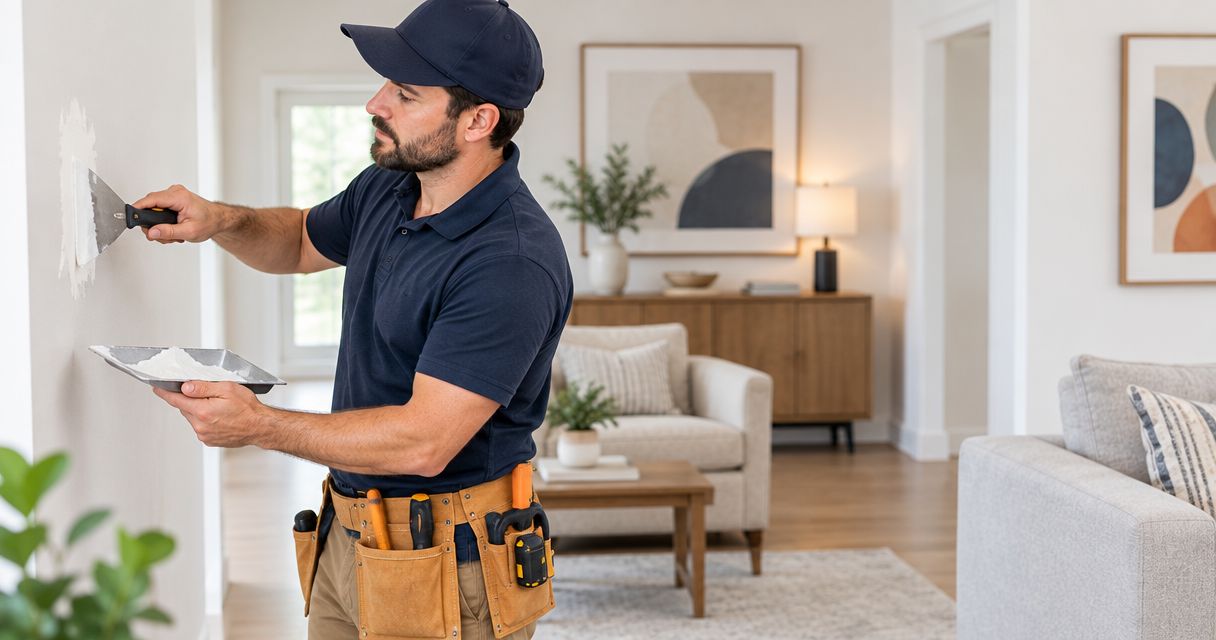
Do not treat a repaired patch as proof of suitable support. Flag old holes, cracking, dampness, or loose material before the appointment; the cause and condition need assessment before hardware goes into that area.
- Check written alteration requirements with the responsible building contact.
- Identify the proposed wall without guessing what is behind it.
- Photograph visible damage and previous mounting holes.
- Note nearby outlets, switches, and plumbing fixtures.
- Ask how the attachment points will be assessed before drilling.
3. Prepare a clear appointment request
Make your own task list first. A short written brief is more useful than a request to simply mount a TV, because it separates installation from wall repair, painting, cable routing, and furniture assembly.
For a homeowner's repair visit, Mr. Mitchell's Home Maintenance & Services offers easy online appointment booking and several small jobs handled in one visit. That makes the service a practical option for a home office with mounting and other minor repairs; a separate commercial office needs its setting and scope confirmed first.
Online booking simplifies arranging the visit, but it does not replace checking suitability. In your 2026 appointment request, identify the property type, the mounting task, and the additional repairs you want considered.
- State whether the location is a home office or separate commercial premises.
- Provide the TV model and any mounting-bracket information you already have.
- Describe the wall and attach clear photos where the booking process permits.
- List drywall repairs, painting, furniture assembly, or hardware repairs separately.
- Ask which tasks fit the planned visit and what requires separate arrangements.
4. Match the bracket to the viewing position
Use the TV manufacturer's documentation to identify the required mounting pattern, supported attachment method, and weight information. VESA describes the mounting-hole pattern; it is not a substitute for checking the bracket's other compatibility requirements.
A fixed mount suits a settled viewing position. A tilting mount changes the vertical angle, while a full-motion mount provides more positional adjustment. Each option solves a different problem, and more movement is not automatically better.
Extending a screen away from the wall changes the load on the installation. The bracket, fasteners, wall construction, and manufacturer instructions must all be considered together—not selected independently.
- Record the exact TV model rather than relying on screen size alone.
- Check the mounting pattern against the bracket documentation.
- Verify the bracket's stated compatibility and load requirements.
- Check that connections remain accessible after installation.
- Choose movement only where the room actually needs it.
5. Test the position before making holes
Mark the proposed screen outline with removable tape that is suitable for the wall finish. This is a planning aid, not an installation method. Check the outline from every seat that matters before committing to holes.
Use 2 viewing positions as a minimum planning check: the main working seat and the seat farthest from the proposed screen. Test more positions where people sit along a meeting table or approach from different directions.
There is no single mounting height that fits every office. Your seated eye level, screen dimensions, content, and room arrangement determine whether a position works. Recheck the plan with blinds and lights in their normal working positions.
- Mark the proposed screen outline without damaging the finish.
- Check visibility from the main seat and the farthest seat.
- Look for reflections during normal working conditions.
- Check clearance around doors, shelves, and cabinet openings.
- Confirm space for the camera or accessories you actually use.
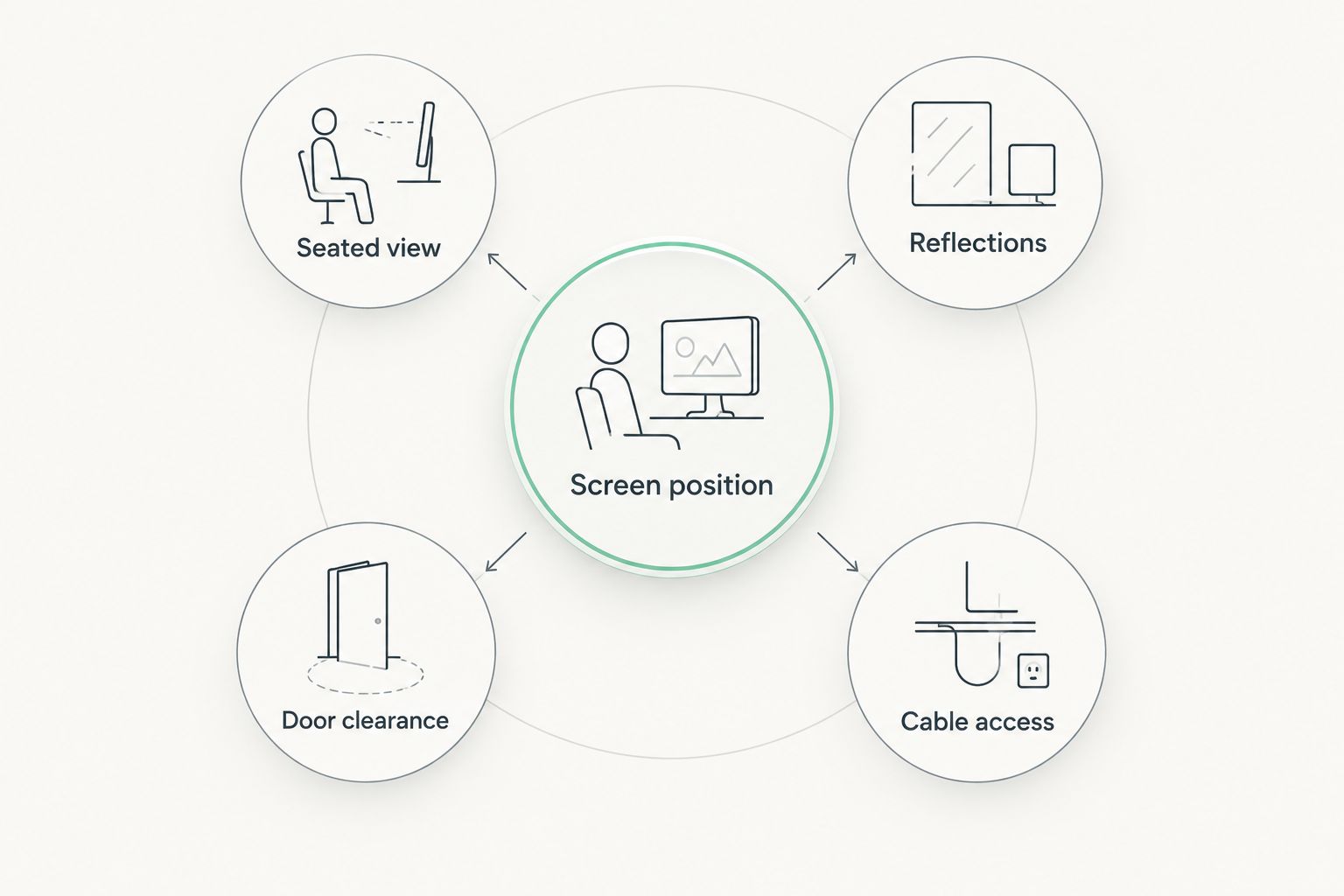
Use the diagram as a final walk-through: check the seated view, reflections, door clearance, and cable access at the marked location. A clean-looking wall position still fails if a cabinet door hits the screen or a connected cable cannot reach.
6. Plan cables and separate electrical work
Trace the route from the screen to the existing outlet and connected equipment. List the devices you will actually connect rather than leaving cable decisions until the TV is attached.
Wall mounting does not automatically include concealed wiring or new electrical work. Do not route an ordinary TV power cord inside a wall. Any concealed installation needs suitable components and a method that follows applicable requirements; new electrical work needs an appropriately qualified provider.
An accessible cable route is easier to describe and inspect than an unspecified request to hide everything. Ask what the mounting appointment includes and keep any separate electrical work outside the assumed repair scope.
- Identify the existing outlet and the TV's power connection.
- List the connected computer, camera, or other equipment.
- Check cable reach at the intended screen position.
- Keep cables clear of walkways and moving doors.
- Confirm the cable-management method before installation.
7. Group suitable repairs and prepare access
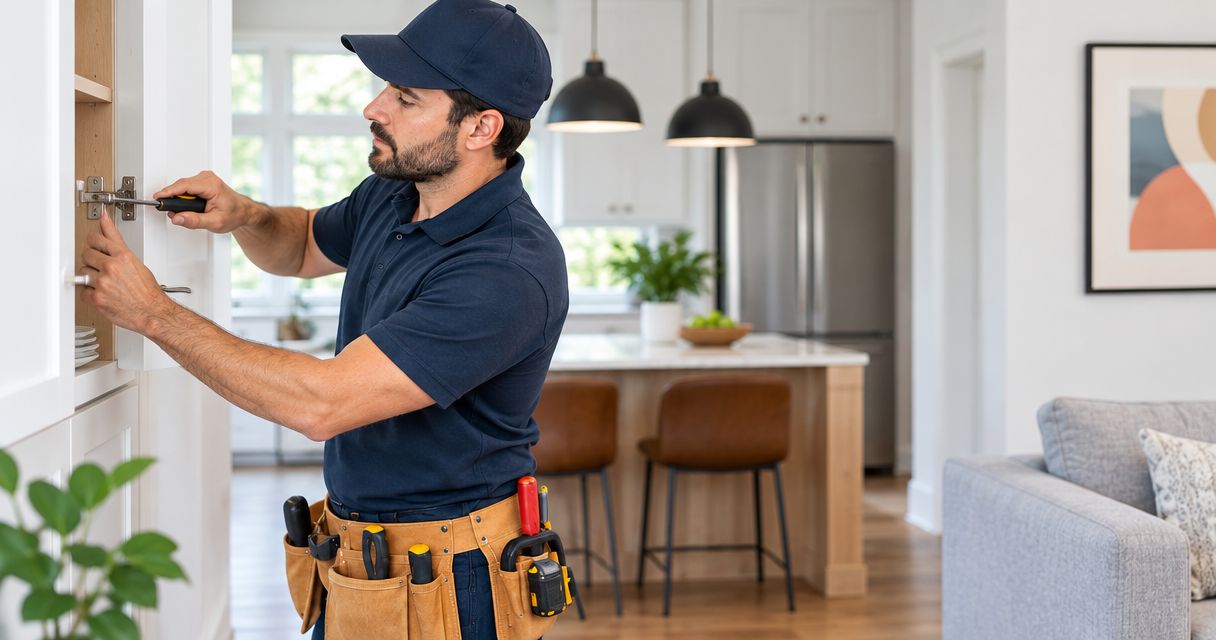
Walk through the room and create 1 prioritized repair list. Put the mounting task first, then identify other confirmed service categories that would make the space easier to use: furniture assembly, drywall repairs and painting, or door and cabinet hardware repairs.
Mr. Mitchell's Home Maintenance & Services handles several small jobs in one visit, but grouping tasks does not establish a fixed visit length or guarantee that every item fits. Ask about the full list rather than adding unmentioned work after arrival.
For a 2026 Brooklyn or Queens appointment, prepare 3 photos: the whole wall, the proposed mounting area, and the equipment or bracket label. Add separate images for damage or hardware problems when needed.
- Rank mounting and additional repairs by importance.
- Clear furniture and fragile objects from the working area.
- Keep the TV, bracket, instructions, and supplied hardware accessible.
- Arrange entry and any building-required access instructions.
- Tell the provider about wall damage before the visit.
- Confirm which tasks remain outside the agreed scope.
Prepare your repair appointment
Use online booking for a home repair visit; confirm the mounting scope and list additional small jobs.
Compare office TV mounting options
For your 2026 setup, choose the simplest bracket that meets the room's actual viewing needs. Extra adjustment helps only when you will use it, and every option still requires compatible hardware and suitable wall attachment.
| Option | Best for | Main advantage | Key limitation |
|---|---|---|---|
| Fixed mount | A meeting area with a settled seating layout | Keeps the screen in a consistent position close to the wall | No angle adjustment; rear connections need planning |
| Tilting mount | A fixed location that needs vertical angle adjustment | Lets you change the screen's vertical viewing angle | Does not provide the sideways repositioning of a full-motion mount |
| Full-motion mount | A room serving different viewing positions | Allows positional adjustment within the bracket's stated range | Extension, clearance, cable movement, and wall attachment need careful checking |
A fixed mount is the first option to assess when the viewing position will not change. Choose tilting or full-motion hardware only after identifying the specific adjustment the office needs.
For Mr. Mitchell's Home Maintenance & Services, the confirmed fit is homeowner wall mounting and grouped small repairs. The limitation for this query is scope: a separate commercial office must be discussed before you treat the booking as a confirmed commercial installation.
Common mistakes small business offices make
Choosing the wall before checking the audience
The empty wall is not necessarily the useful wall. Check seated sightlines, presentation readability, and camera placement before deciding where the screen belongs.
Buying a moving bracket without planning movement
A full-motion bracket needs room to move without striking furniture or pulling cables tight. Plan the intended positions and verify that the installation supports them.
Treating paint damage as a mounting assessment
A tidy surface does not establish what can support the TV. Conversely, a visible patch does not automatically mean the entire wall is unsuitable; explain the condition and have the proposed attachment area assessed.
Assuming mounting includes every connected task
Drilling, drywall repair, painting, cable concealment, and electrical work are different tasks. Name each requested item so the appointment scope is clear.
Booking a commercial office as a home repair visit
A home office and separate commercial premises are not interchangeable booking details. State the setting, access requirements, and requested work before confirming arrangements.
FAQ
What's the best TV mount for a small business office?
The best mount is the simplest compatible option that meets the office's viewing needs. Assess a fixed mount for stable seating, a tilting mount for vertical adjustment, and full-motion hardware when different viewing positions require it.
How high should I mount an office TV?
Choose the height by testing visibility from the intended seats rather than using a universal measurement. Mark the screen outline, check readable content, and account for any camera or furniture beneath it.
Can a TV be mounted on a drywall office wall?
Drywall alone does not establish a suitable mounting method. The installation needs an assessment of the wall construction, attachment points, bracket requirements, and TV manufacturer's instructions.
Does Mr. Mitchell's Home Maintenance & Services accept office TV mounting bookings?
Confirm a separate commercial office directly before booking. The confirmed service description covers homeowners, wall mounting, easy online appointment booking, and several small repairs handled in one visit.
Can I include other repairs with a home office TV mounting visit?
You can request several small jobs in the same home repair visit. List drywall repairs and painting, furniture assembly, or door and cabinet hardware repairs in advance, then confirm what fits the appointment.
Can the TV power cord go inside the wall?
Do not place an ordinary TV power cord inside a wall. Ask about a suitable cable-management method, and arrange any required electrical work separately with an appropriately qualified provider.
What should I prepare before a TV mounting appointment?
Prepare the TV model, bracket information, wall photos, permission details, and a prioritized task list. Clear the working area and explain whether the location is a home office or separate commercial premises.
One last thing
Before your 2026 mounting appointment, connect the TV to the equipment you intend to use and open a typical presentation. Check the picture, sound, and connections while the ports remain easy to reach. A wall bracket cannot correct unreadable source content or a missing cable.
Treat mounting as the final placement decision—not the first equipment test. That simple order keeps equipment questions separate from the physical repair visit.